I was spawning enemies with Instantiate() and my frame rate tanked to 15fps. Thought it was AI logic, but the profiler showed the real culprit – Instantiate() was eating 40% of CPU time each frame.
I was building a simple tower defense game for practice, and things were going great until I hit a wall – performance. Hundreds of enemies worked fine in theory, but in reality, my frame rate tanked the moment I had more than a few dozen spawning at once. I thought it was my AI logic being inefficient, so I went down a rabbit hole optimizing pathfinding and state machines. No dice. Frame rate stayed in the toilet.
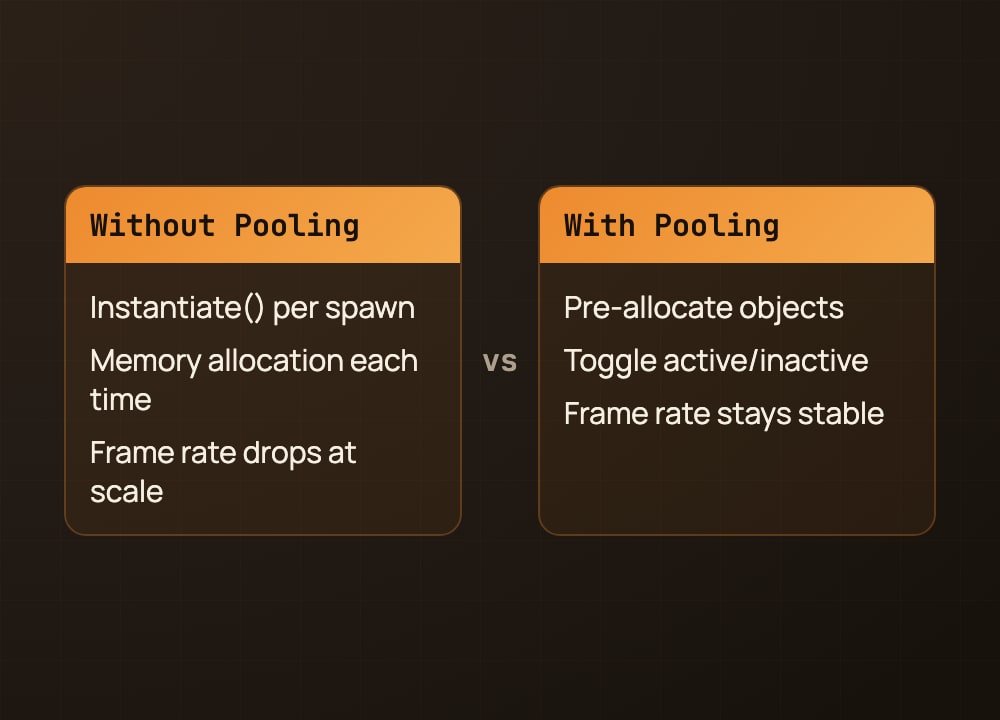
Finally, I opened the profiler and there it was – Instantiate() was accounting for over 40% of my CPU time per frame. Every single spawn call was allocating memory, calling Awake(), calling OnEnable(), and doing all this expensive initialization. At scale, it was just too much.
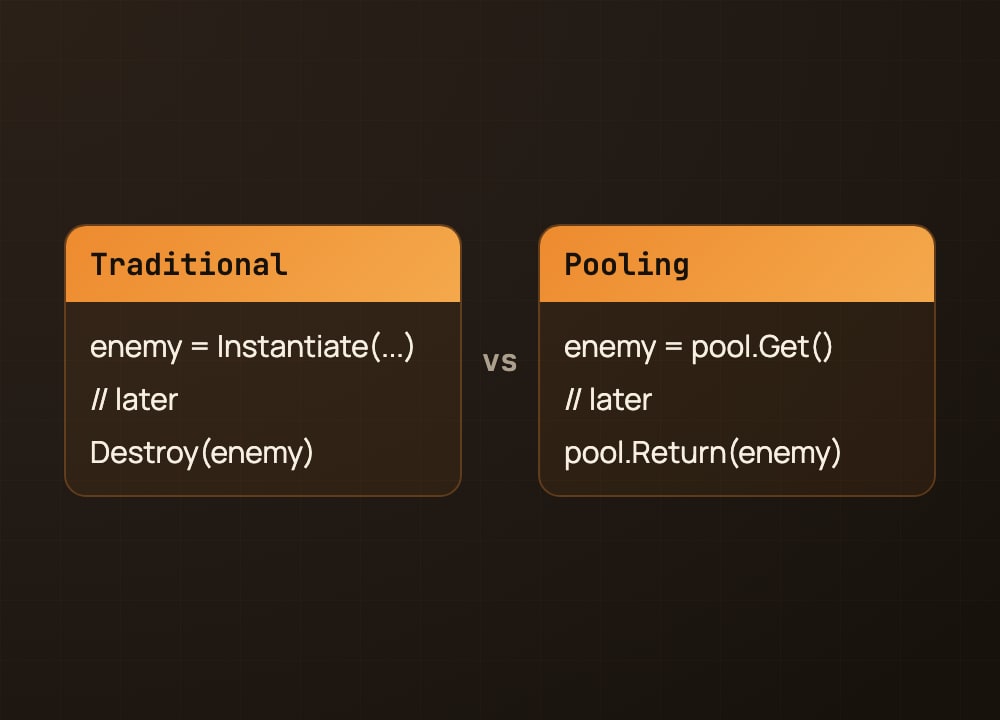
That’s when I remembered object pooling. Instead of spawning enemies on-demand with Instantiate(), I pre-create a fixed pool of maybe 20 or 30 enemies at startup. When I need a new enemy, I just grab one from the pool and enable it. When it dies, I disable it instead of destroying it, and it goes back into the pool for reuse. Suddenly, boom, 60fps again, even with hundreds of enemies.
The lesson stuck: allocation is expensive. If you’re creating and destroying objects every frame, your game will suffer. Pre-allocate what you can, and reuse it. It’s a pattern you’ll use in almost every game that has spawning.
Save this, you’ll use it in every game.
#gamedev #indiedev #unity3d #unitytips #gameprogramming #devlog