
String concatenation with + is fine for one line, but in loops or dynamic UI it forces the garbage collector to work overtime. StringBuilder batches your additions into one operation, cutting GC pressure and keeping frames smooth.
String concatenation with the + operator is deceptively expensive in C# and Unity. Every time you concatenate, the runtime creates a new string object, leaving the old ones behind as garbage. If you’re doing this in a loop or during performance-sensitive moments like UI updates, you’re churning garbage that the collector has to clean up, often causing frame drops.
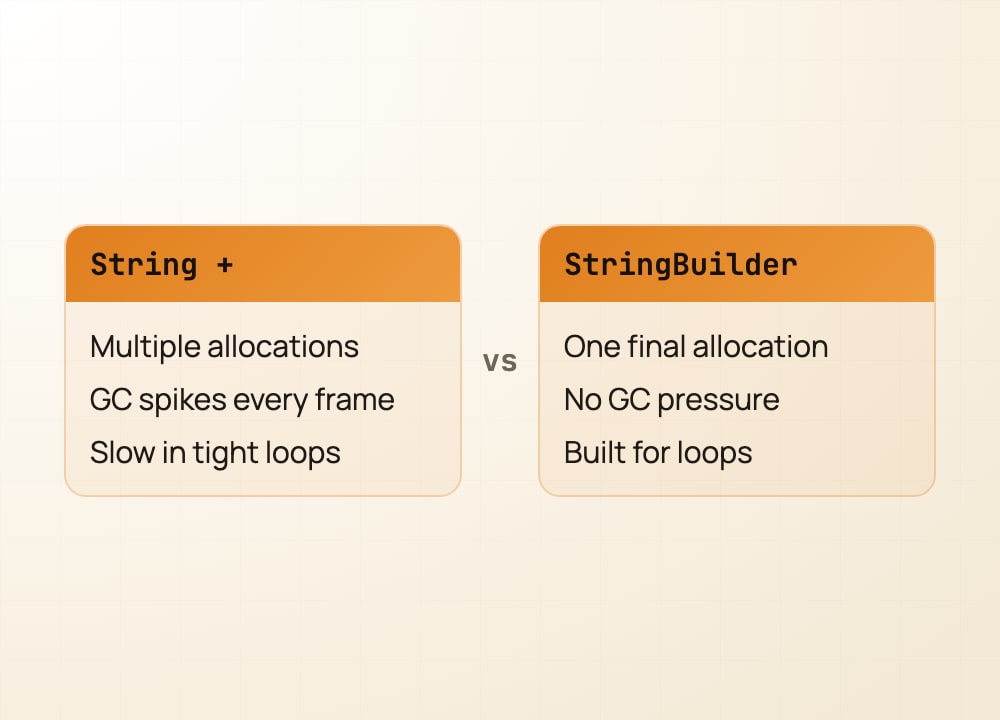
StringBuilder solves this by batching your concatenations. Instead of creating intermediate strings, you append to a single buffer, then call ToString() once to get your final result. For a loop that builds a string over 100 iterations, using StringBuilder instead of + can be 10 to 100 times faster.
The pattern is simple: if you’re concatenating in a loop or in hot code, reach for StringBuilder. For one-off debug messages or static text, + is fine. Learn to spot it in your code, and you’ll eliminate invisible GC spikes that hurt gameplay feel.
Save this when you need to optimize a hot path.
#csharp #unitytips #gamedev #indiedev #softwaredevelopment #performance