Ever watched your character tip over for no good reason, or glide unexpectedly in a direction it shouldn’t? Rigidbody constraints are your answer.
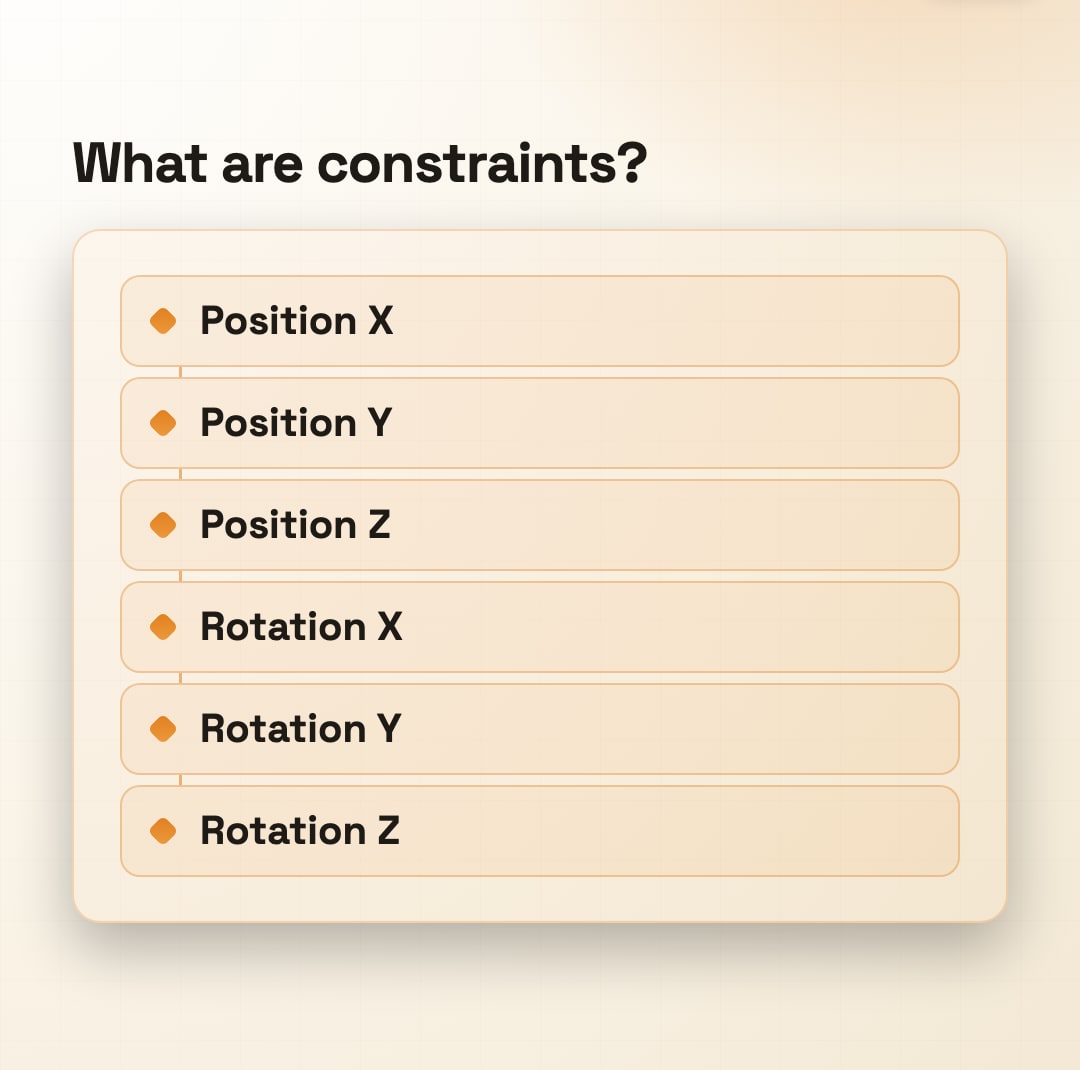
What are constraints?
Rigidbody constraints freeze specific axes of position or rotation.
Lock Z to make a top-down game feel 2D. Freeze rotation to stop tipping over.
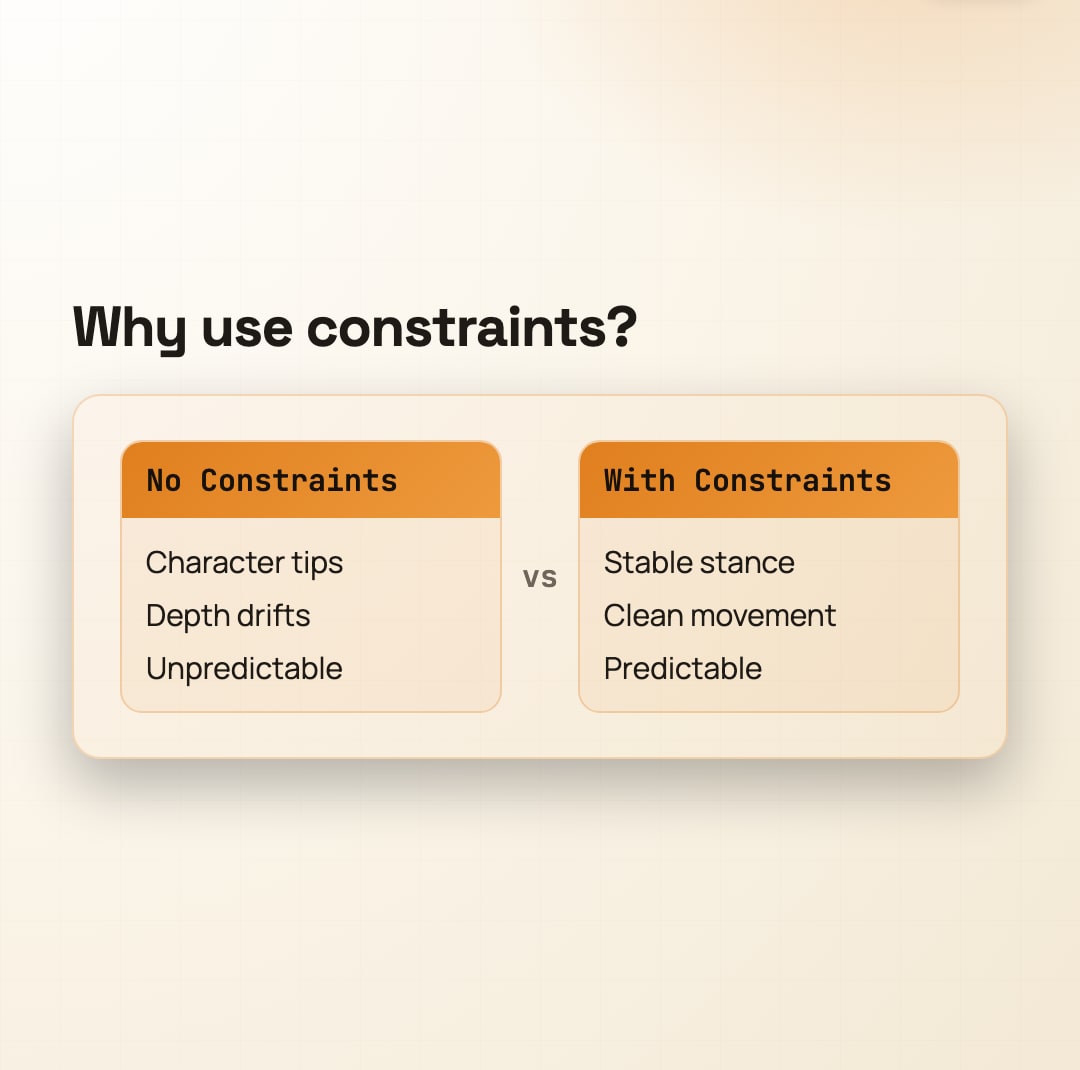
Why use constraints?
They prevent unwanted physics without hacks. A locked Z-axis stops accidental depth drift.
Freezing rotation keeps arcade movement snappy and predictable.
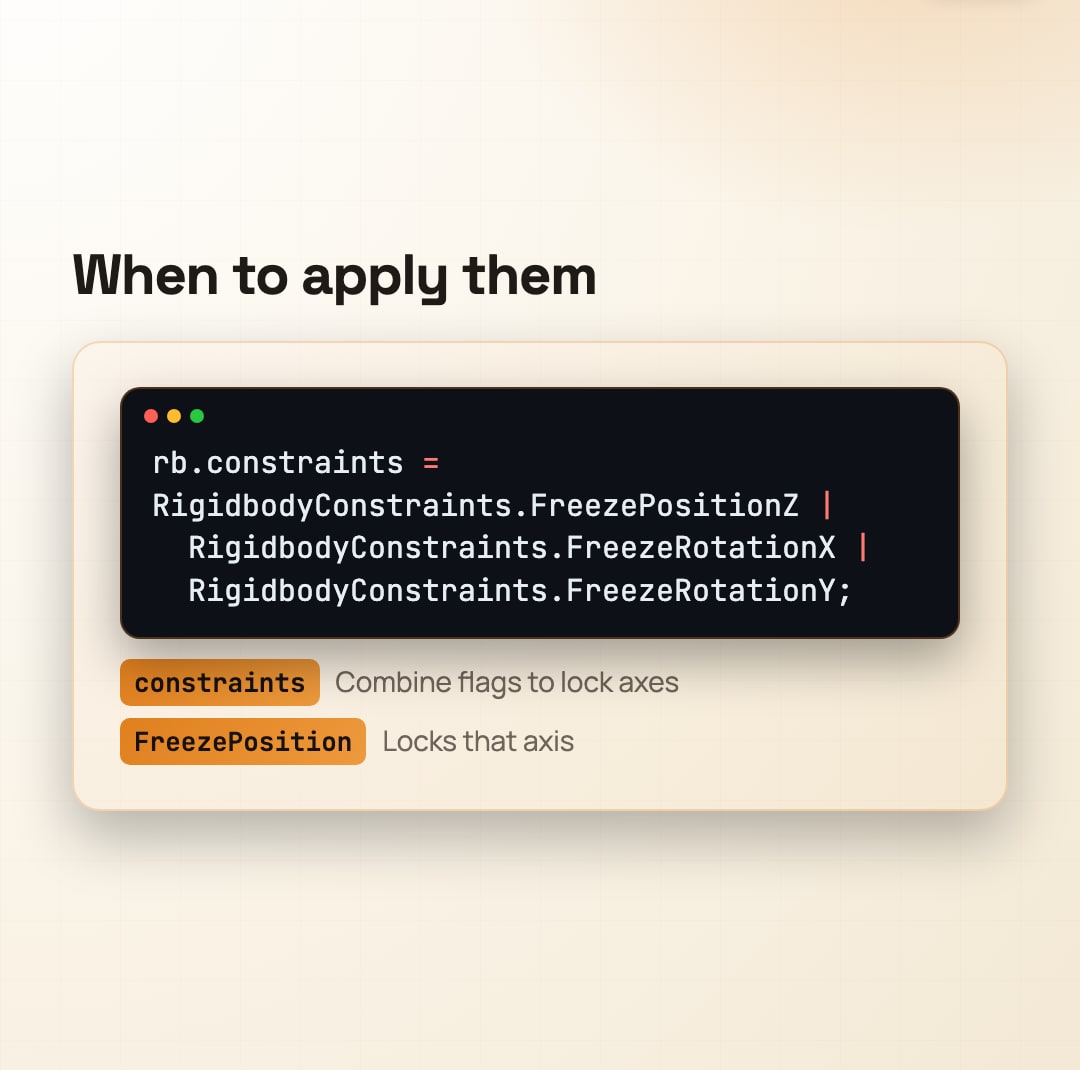
When to apply them
Set in the Inspector for permanent behavior, or use code for dynamic rules.
Freeze what your game doesn’t need. Unfreeze only when the gameplay changes.
Save this and lock your next game down
Follow @artanodestudios for more.
#artanode #gamedev #unitytips #indiedev #gameprogramming #physics #indiegamedev