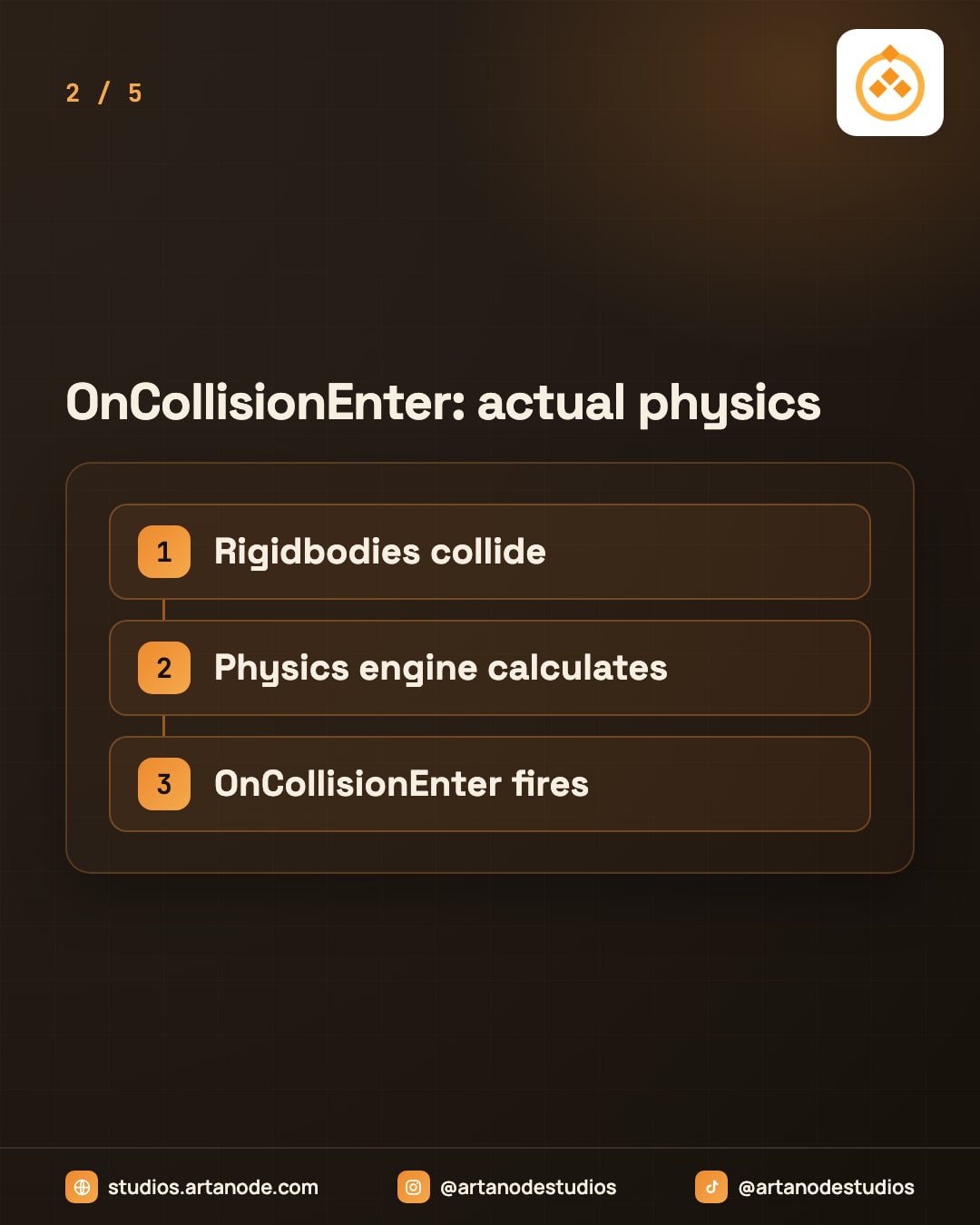
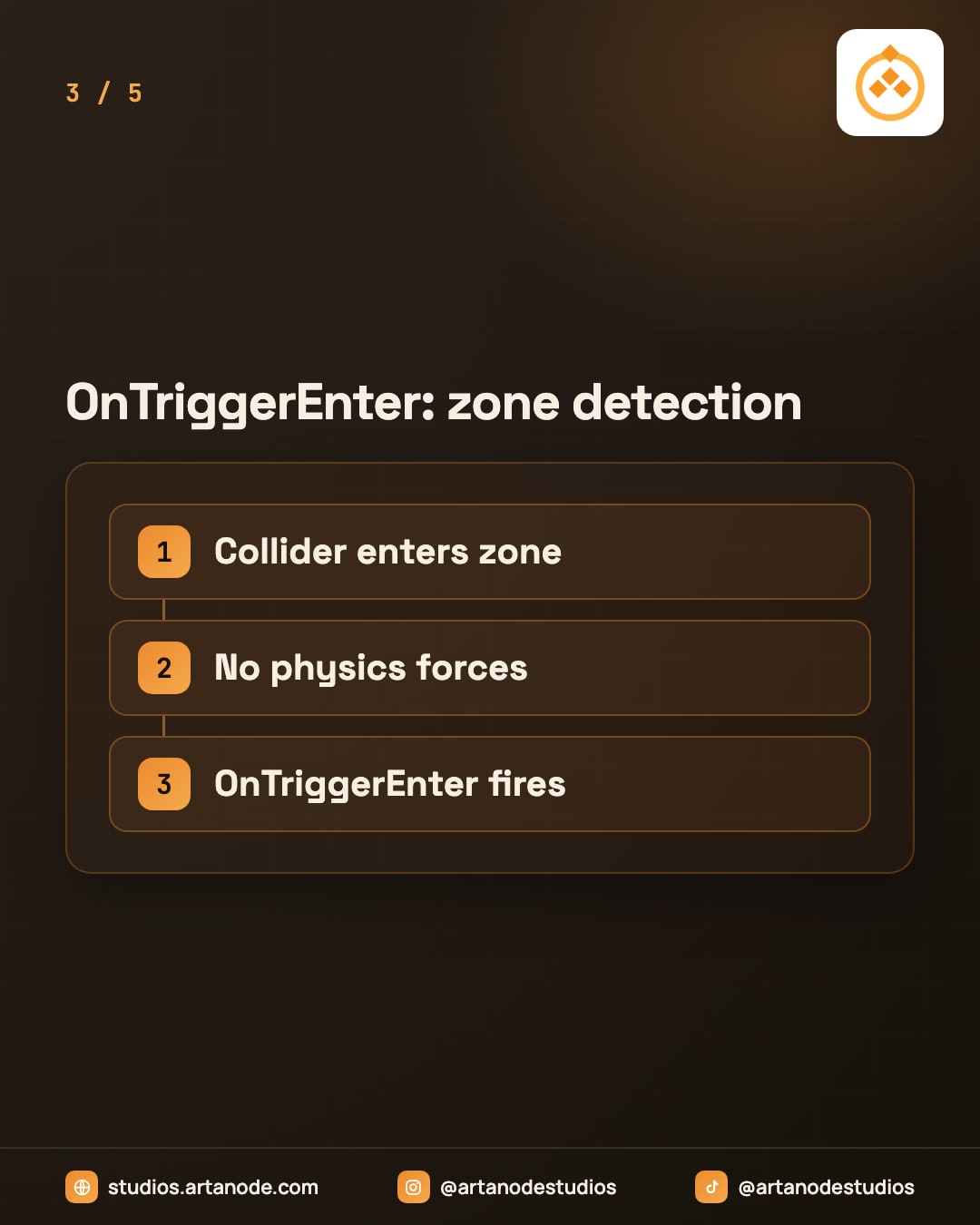
Ever had a collision that just doesn’t work? Ninety percent of the time it’s because you picked the wrong callback. OnCollisionEnter fires when two Rigidbodies physically collide and the physics engine applies forces. Use this for bouncing, pushing, realistic object interactions. OnTriggerEnter fires when a collider overlaps a trigger zone with no physics forces. Use this for detection: checkpoints, damage zones, pickups.
One of the most common sources of confusion in Unity is picking the wrong collision callback. OnCollisionEnter fires when two GameObjects with Rigidbodies and colliders physically collide, and the physics engine applies forces naturally.
This is what you use when you need realistic interactions: a ball bouncing off a wall, a player being pushed by an explosion, or objects stacking. OnTriggerEnter, on the other hand, fires when any collider overlaps with a collider marked ‘Is Trigger’, but no forces are applied. It’s pure detection. Use it for checkpoints, damage zones, pickups, or any invisible sensor.
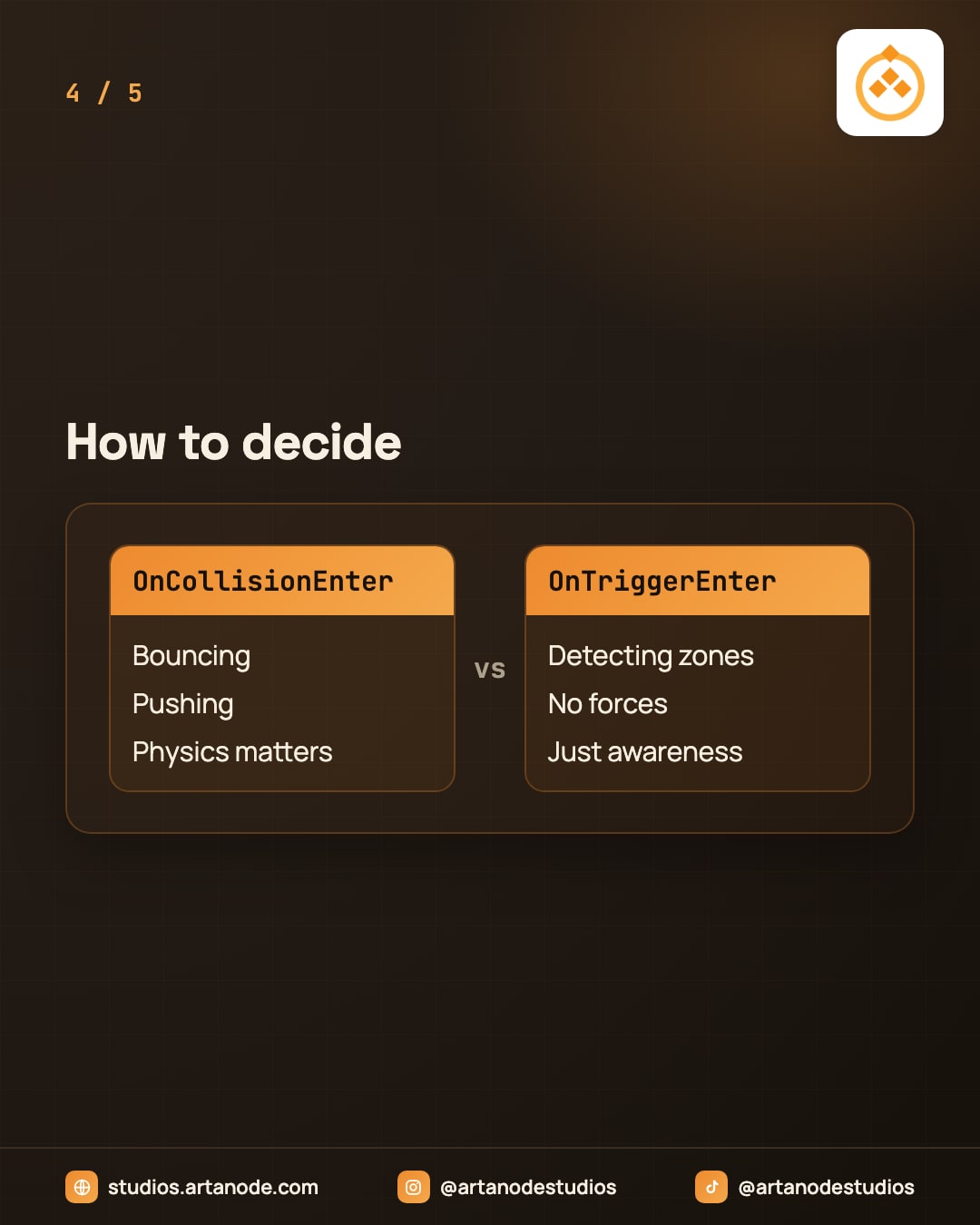
The rule is simple: if physics behavior matters to your gameplay, use OnCollisionEnter. If you just need to know that something entered a zone, use OnTriggerEnter. Next time you’re debugging why a collision doesn’t work, this is usually the first thing to check.
Physics needed? OnCollisionEnter.
Just detecting a zone? OnTriggerEnter.
Save this post for your next collision setup.
#unity3d #unitytips #gameprogramming #csharp #gamedevelopment #indiedev #solodev